
Search, Browse and Read Man Pages: Fast and Easy!
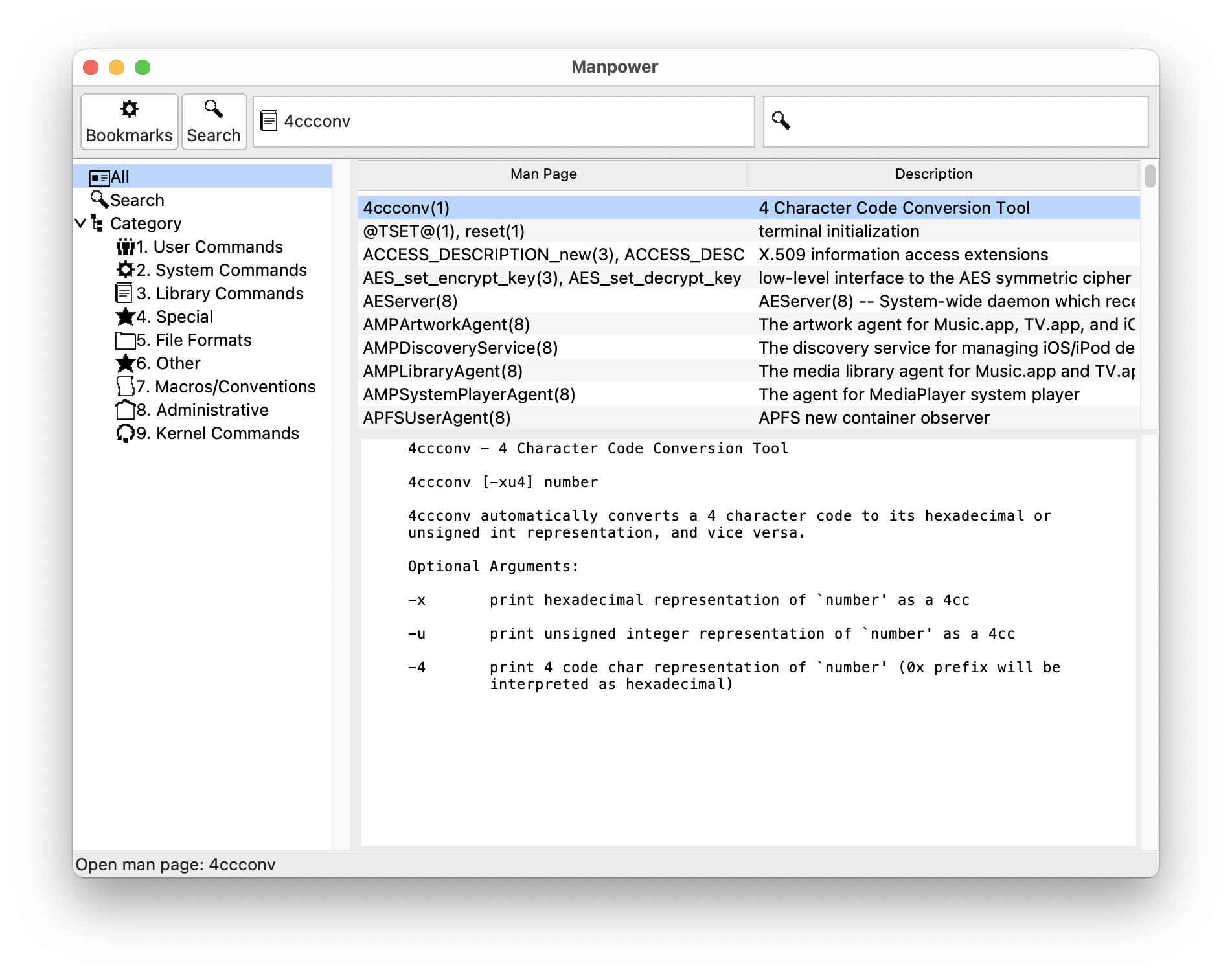
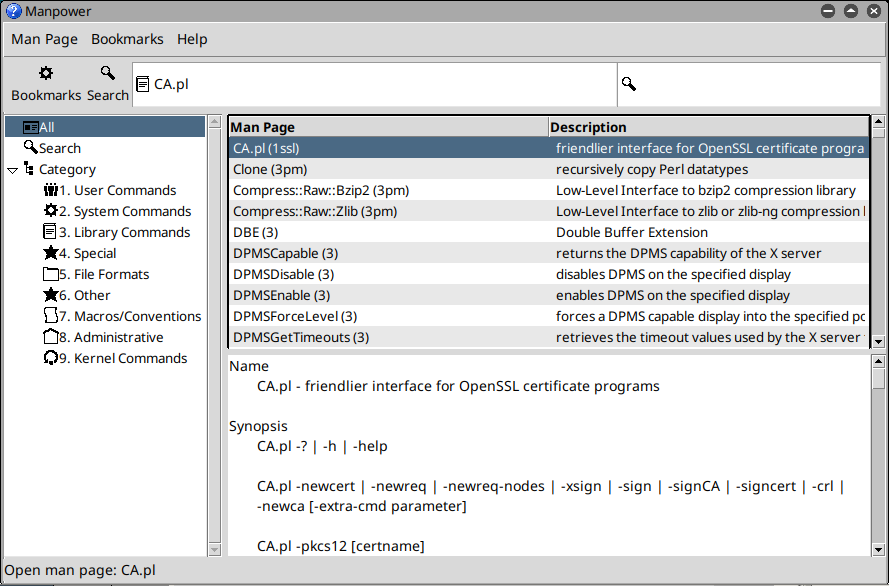
Manpower is a simple, elegant three-pane interface that makes reading man pages on macOS and Linux easy. Search, browse, display, and bookmark man pages for future reference. It's all in a single place.
Why Manpower?
- Clean, three-pane interface: Reading man pages is as easy as reading e-mail.
- Search, browse, display, and bookmark man pages in a single window.
- Convert man pages to text, PDF, and printed output for later reference.
- Access man pages via AppleScript and Services menu on Mac and dbus on Linux: integrate with other applications.
- Thorough user documentation via the "Help" menu.
- "I really appreciate seeing gems such as Manpower...Thanks again for a nice, helpful product." --Jean-Louis Gassée, General Partner, Allegis Capital
Get Manpower
To install Manpower, download the latest version. macOS 14 is the minimum supported platform; any recent version of Linux should also work.
What's New in Version 8.0
- Initial Linux release.
- Update to Tcl/Tk 9.0.